Reaching All Learners
Craig Smith
- 01 Inclusive DesignsUDL, AI, and where they meet
- 02 Planning with AIFive tools and prompts for inclusive lesson planning
- 03 Supporting studentsThree tools for social and emotional supports
- 04 Student ToolsFive tools students can use themselves
- 05 Your Plus OneOne thing you'll take back into your classroom
Three principles of UDL
Engagement
How we engage and motivate learners.
Representation
How we represent content.
Action & Expression
How learners show what they know.
Designing for Human Variability
Inclusion is how we design for human variability.
We might think of inclusive learning design as emerging from the interaction of three forms of awareness:
- understanding the learner
- designing the learning environment
- examining our own assumptions as educators
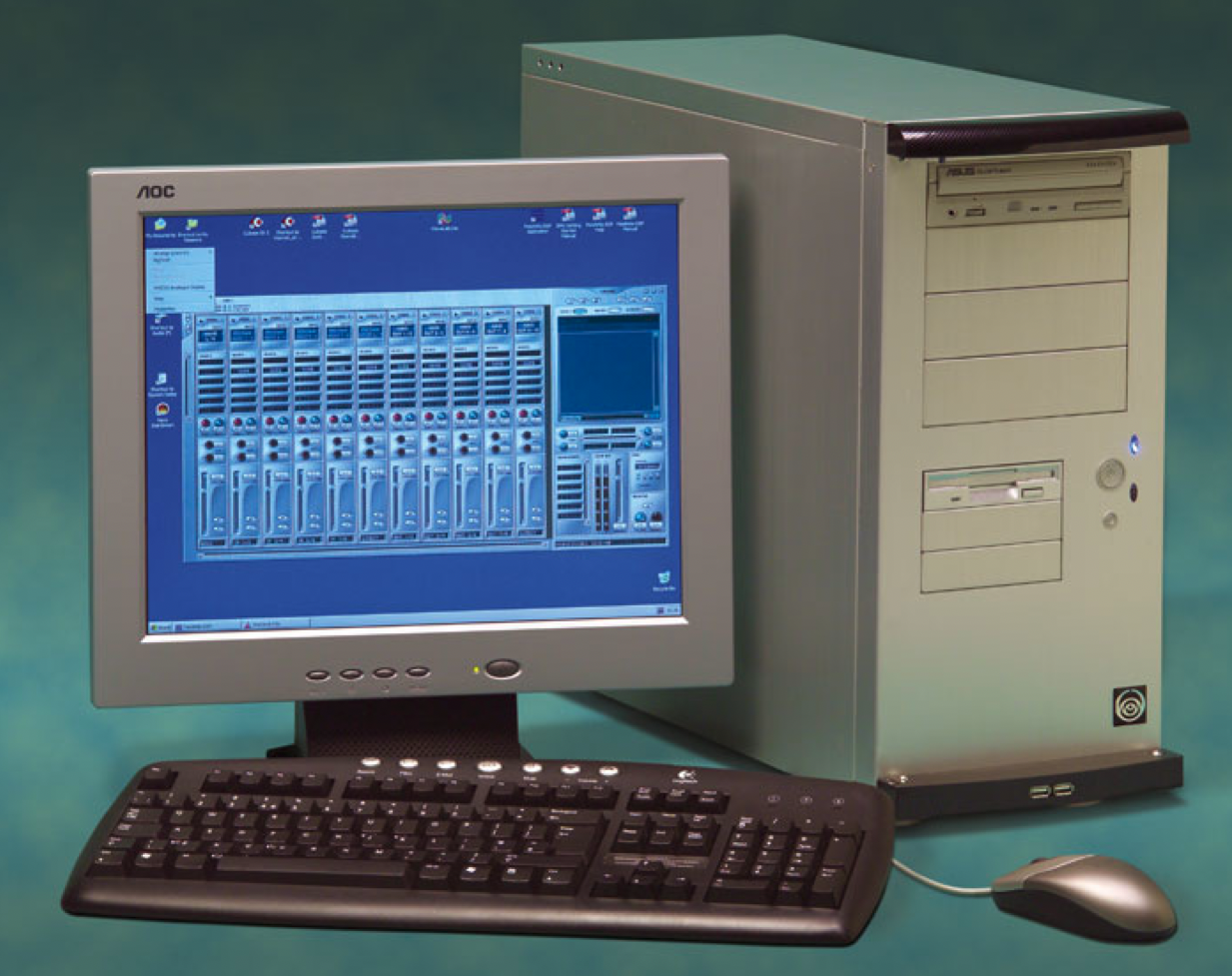
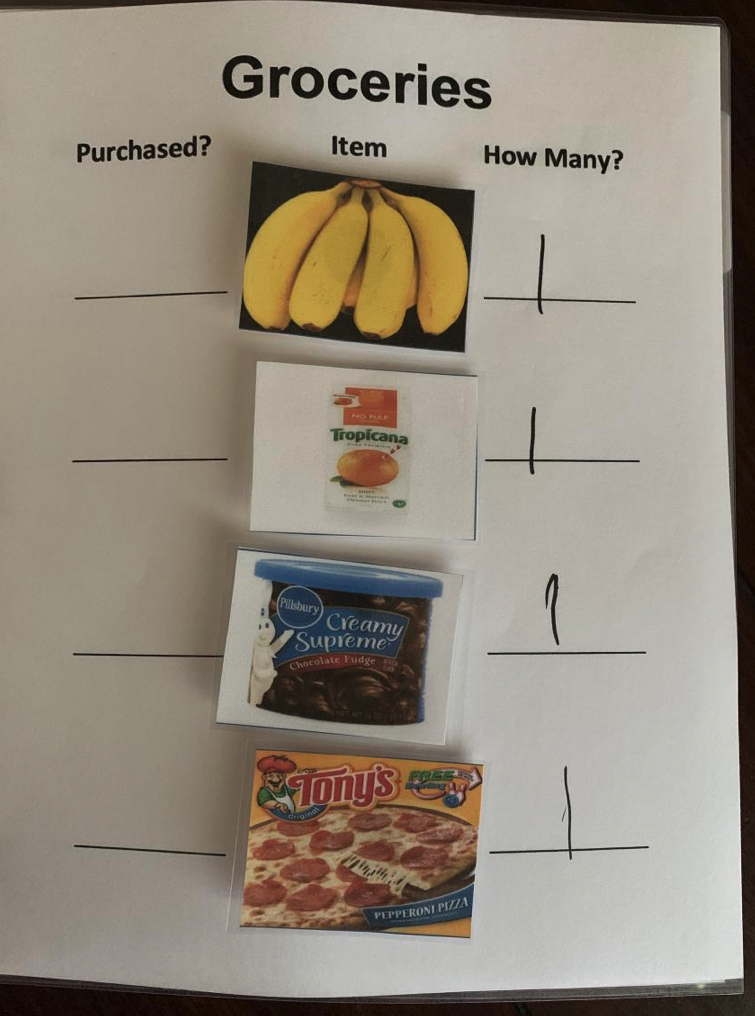
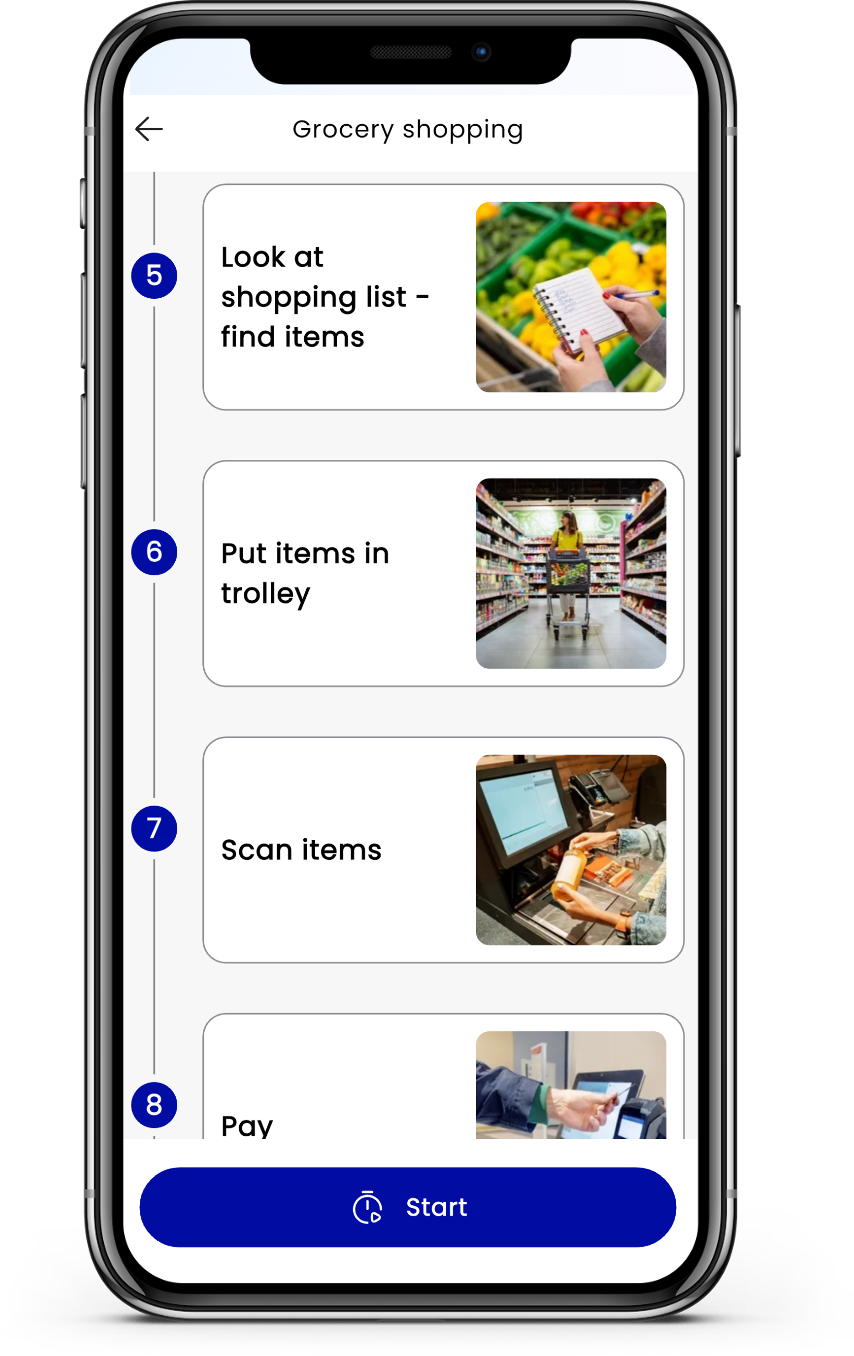
Each new technology,
another step for inclusion
As technology has evolved, what it allows us to do to provide access and personalisation of learning has evolved with it.
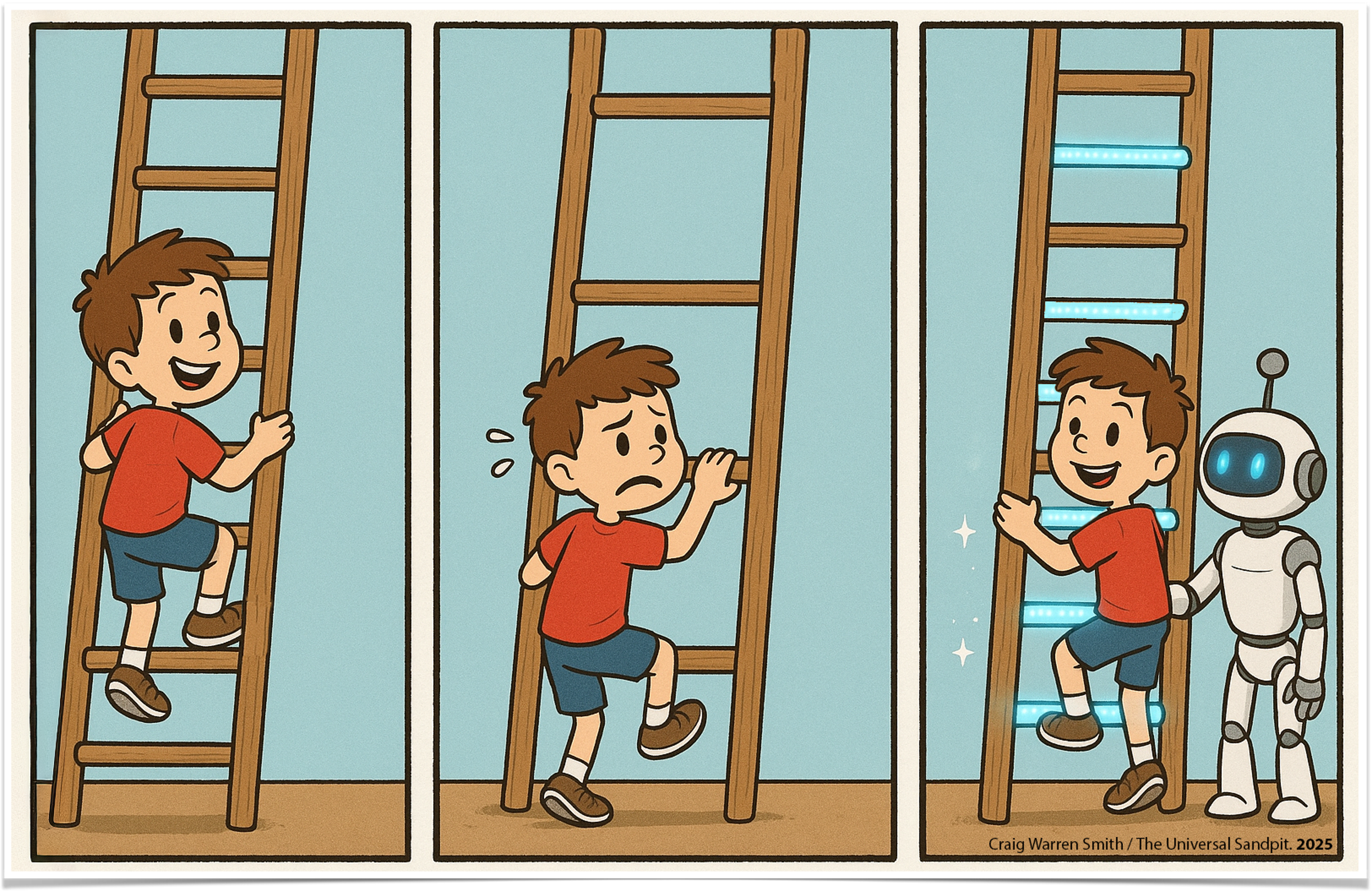
What autistic students said about school
In the Australian Autism Educational Needs Analysis, autistic students described the difficulties they faced at school:
- planning for assignments
- working as part of a group
- handwriting, in particular being neat
- coping with change, e.g. changes in teachers or the timetable
- coping with bullying or teasing
- handwriting, in particular being quick enough to keep up
- copying information from the board
- doing homework
- staying calm when other kids annoy me or when the classroom is very noisy
- talking in front of the class and starting tasks
AI can readily support many of these.
Saggers, B., Klug, D., Harper-Hill, K., Ashburner, J., Costley, D., Clark, T., Bruck, S., Trembath, D., Webster, A. A., & Carrington, S. (2018). Australian autism educational needs analysis — What are the needs of schools, parents and students on the autism spectrum? Cooperative Research Centre for Living with Autism, Brisbane.
UDL is how we'll approach AI today
how we engage and motivate learners · how we represent content · how learners show what they know
In this session, three ways of using AI — all part of the same inclusive design process.
AI for planning & delivering content
Teacher-facing. Sometimes before the lesson, sometimes during — sometimes the same thing.
AI for understanding our students — and our own assumptions
Communication, sensory, executive function. Surfacing our cognitive biases. Thinking in neurodiversity-affirming ways.
AI for students themselves
Chunking learning, supporting task initiation, helping with self-regulation.

Planning
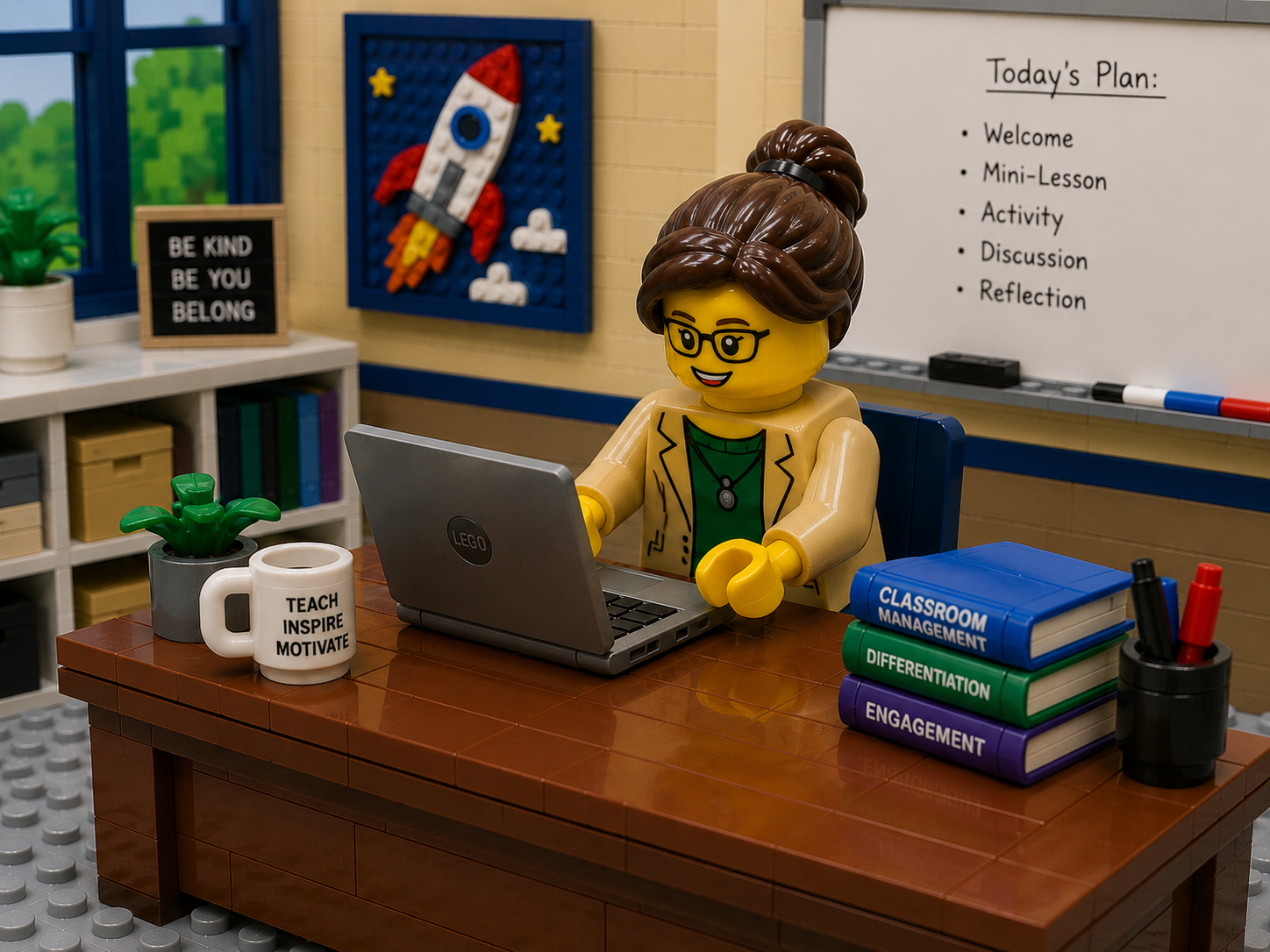
What we're asking
AI to do with planning
Here, AI works alongside you as a planning partner. You stay the designer of the lesson — AI helps make the invisible work of inclusive design quicker to see and act on.
We use it to surface the executive function demands hidden inside a task, turn assignments and lessons into steps students can follow on their own, and plan with learner variability considered from the very start — before the lesson, and sometimes during it.
- 01 Task AnalyserBreak a task down by executive function demands
- 02 Assignment FormatterAssignments students can follow on their own
- 03 Step CardsVisual sequence scaffolds for tasks and lessons
- 04 UDL ToolsPlan, think, and check your work through a UDL lens
- 05 Lesson CompanionA whole-lesson Inclusion Guide
Breaking down a task
Task Analyser
- Describe or upload a task
- Set the student's age
- Get practical scaffolds for the executive function demands
“Break this task down for a [age]-year-old.”
Then ask what executive functions it really needs — and how to scaffold each.
Assignments students can follow
Assignment Formatter
- Paste an assignment
- Get clear steps with time estimates
- Hand it to students as a plan they can follow
“Turn this assignment into steps with time estimates.”
Plain language students can follow on their own.
Visual step cards
Step Cards
- Paste or upload a lesson
- Get a printable visual sequence
- Laminate, tick off, hand to a student
“Break this lesson into a visual sequence.”
Each card: a short label, a one-line description, and an icon idea.
Universal Design for Learning
Three tools on The Universal Sandpit to plan, think, and check your work through a UDL lens.
Inclusive Lesson Planning
Lesson Companion
- Upload a lesson
- Choose your inclusive lenses
- Get a one-page Inclusion Guide back
“Make this lesson more inclusive for my neurodivergent students.”
Then ask for ideas across engagement, representation, and action & expression.
Supporting Students
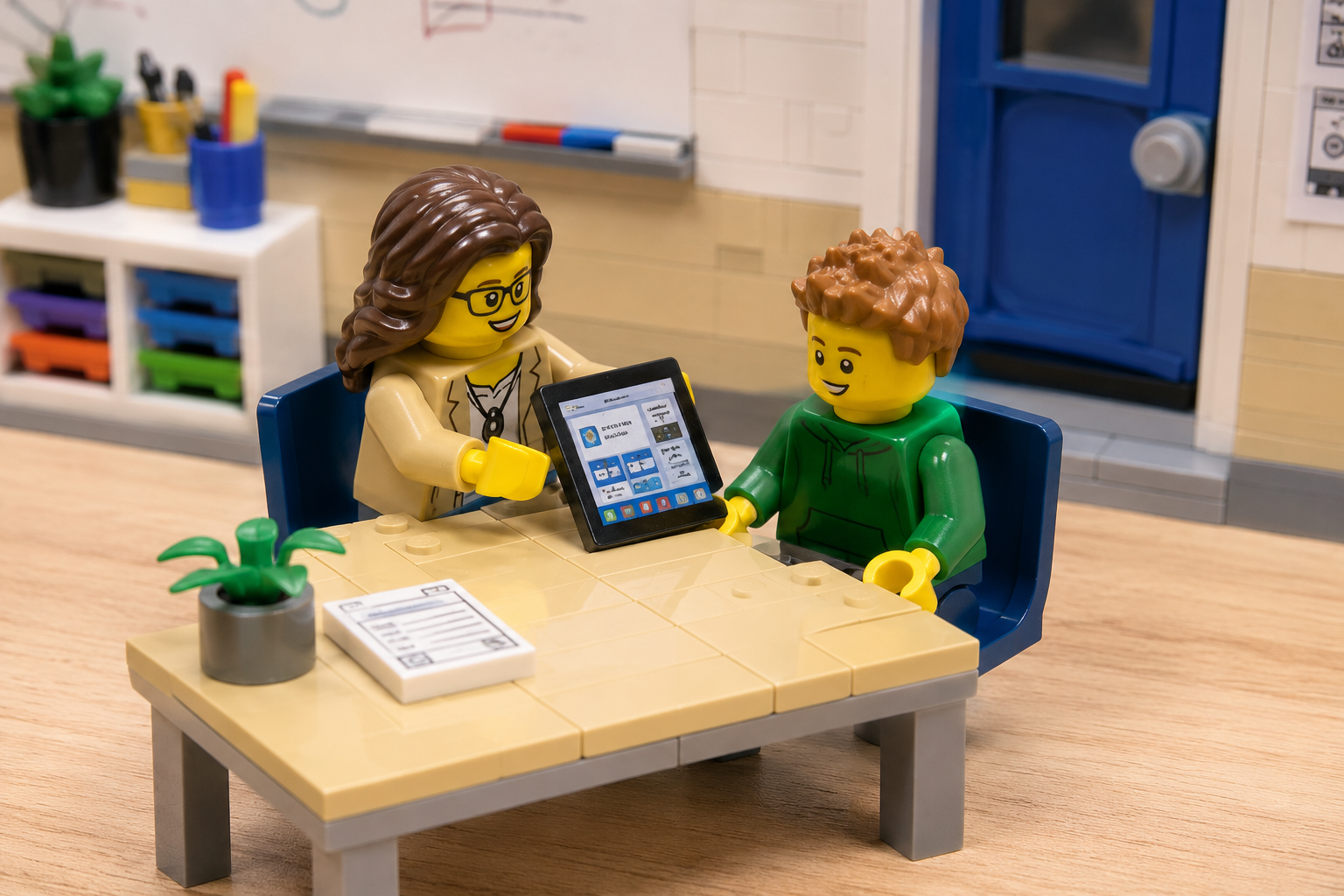
What we're asking
AI to do to support students
The focus shifts from planning content to responding — to a student, and to ourselves. Here AI is a thinking partner, not an answer machine.
We use it to reflect on a tough moment through a neurodiversity-affirming lens, plan a fresh approach to a pattern that keeps repeating, and draft social narratives that help a student through a situation — always to understand the student and check our own assumptions, never to ‘fix’ them.
Three tools for supporting students
- 01 Reflective LensReflect on a tough moment through a neurodiversity-affirming lens
- 02 New DayPlan a new approach to a repeat pattern — with a script you can share
- 03 Social Script GeneratorWrite a social narrative to support a student through a situation
Reflecting on a tough moment
Reflective Lens
- Describe where you feel stuck
- Get reflective questions back
- Pick the ones that resonate — and sit with them
“Help me reflect on this through a neurodiversity-affirming lens.”
Ask me questions that surface my assumptions and other ways of seeing it.
Breaking a repeat pattern
New Day
- Describe the pattern that keeps repeating
- Add what you've tried, and what the student loves
- Get a staff plan and a warm script for the student
“Help me plan a new approach to this repeat pattern.”
Give me a staff plan and a warm script I can read with the student.
Social narratives
Social Script Generator
- Name the situation you want to support
- Get a draft social narrative
- Adapt it for the student you have in mind
“Write a social narrative about [situation].”
Plain, first-person language — warm, affirming, no moralising.
Student Tools
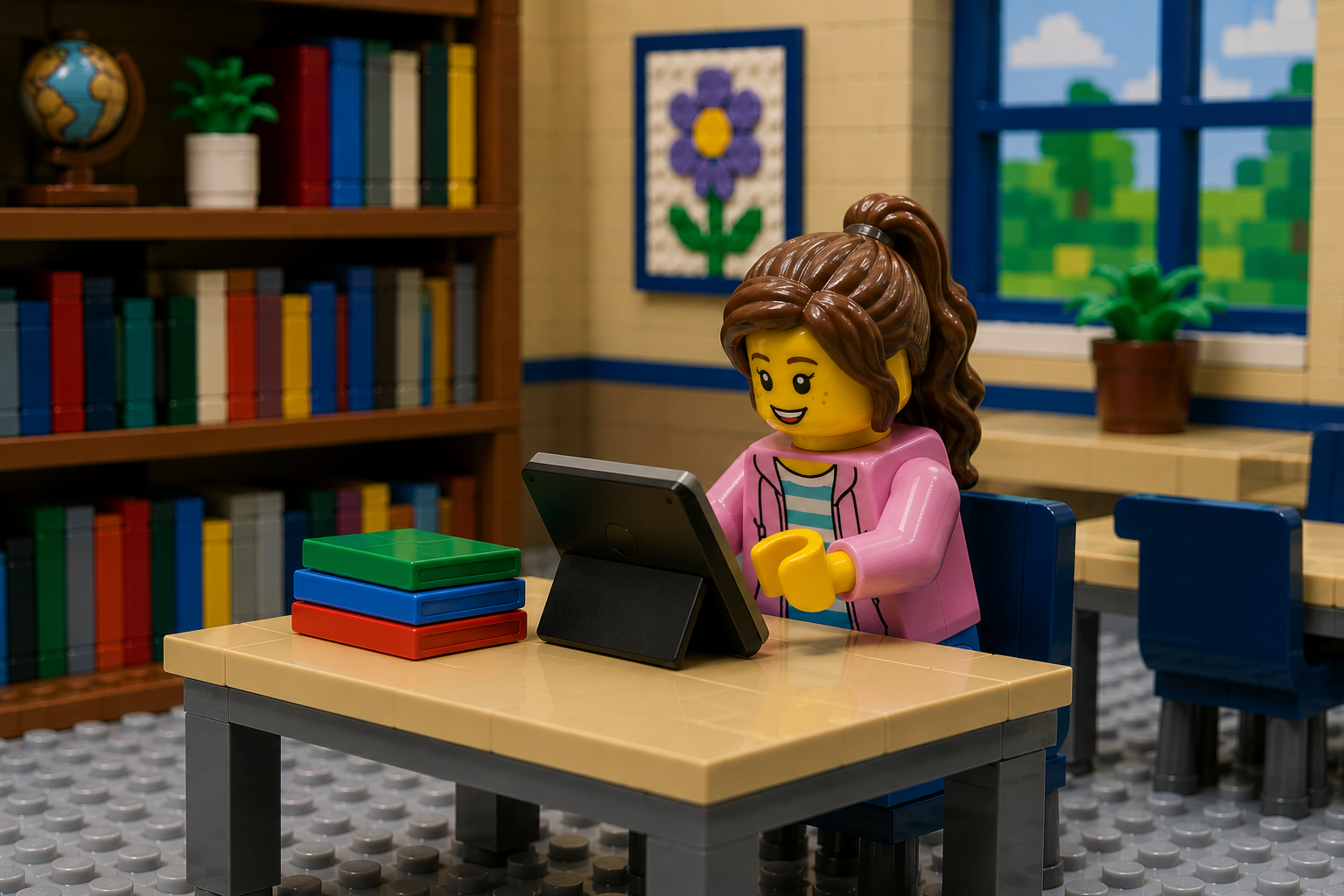
What students can do for themselves
Now the tools go straight into students' hands. These are student-facing and self-directed — the student stays in control of the plan.
Students use AI to chunk their own work, find a way in when starting is hard, plan around the energy they actually have, move from how they feel to how they'd like to feel, and settle into quiet focus — building agency and self-regulation, on their own terms.
- 01 Floating ThoughtsBreak an assignment into chunks you can manage
- 02 First StringsGentle prompts for when starting is hard
- 03 Spoon Theory PlannerPlan the day around the energy you actually have
- 04 PathwayFrom how you feel to how you'd like to feel
- 05 AlongsideA calm body-doubling companion for focus
Chunking the work yourself
Floating Thoughts
- Describe your assignment, or upload a rubric
- Get chunks you can reorder and colour-code
- Copy your plan and take it with you
“Break this assignment into chunks I can manage.”
Give me a list I can rearrange, not a plan I have to follow.
Starting when starting is hard
First Strings
- Name what you can't start
- Get gentle entry points — action, sensory, curiosity, structure
- Build a starter sequence that fits you
“Help me start [task] when starting is hard.”
Suggest gentle ways in — sensory, emotional, structural.
Planning around your energy
Spoon Theory Planner
- Start with the spoons you have today
- Add tasks and self-care — each with a spoon cost
- See what fits the day, and what to let go
“Help me plan today around the energy I actually have.”
Use spoon theory. I'll tell you my spoons and what I want to do.
From how you feel to how you'd like to feel
Pathway
- Name how you feel now
- Pick how you'd like to feel
- Get a pathway between them
“Help me get from feeling [X] to feeling [Y].”
Suggest small steps I can try — gently.
Someone to work alongside

Alongside
- A quiet companion who works while you work
- Body-doubling to help you start — and stay with — a task
- Choose a scene, press play, and settle in
Your Plus One
What's one simple AI tool or prompt you'll add to your guidance and instruction this week?